Ember website template
Dark and moody: a full-screen photo under a transparent header, a centred menu set like a printed card, reviews and hours on deep charcoal. Made for bars, pubs and wine bars.
Ember on a real example
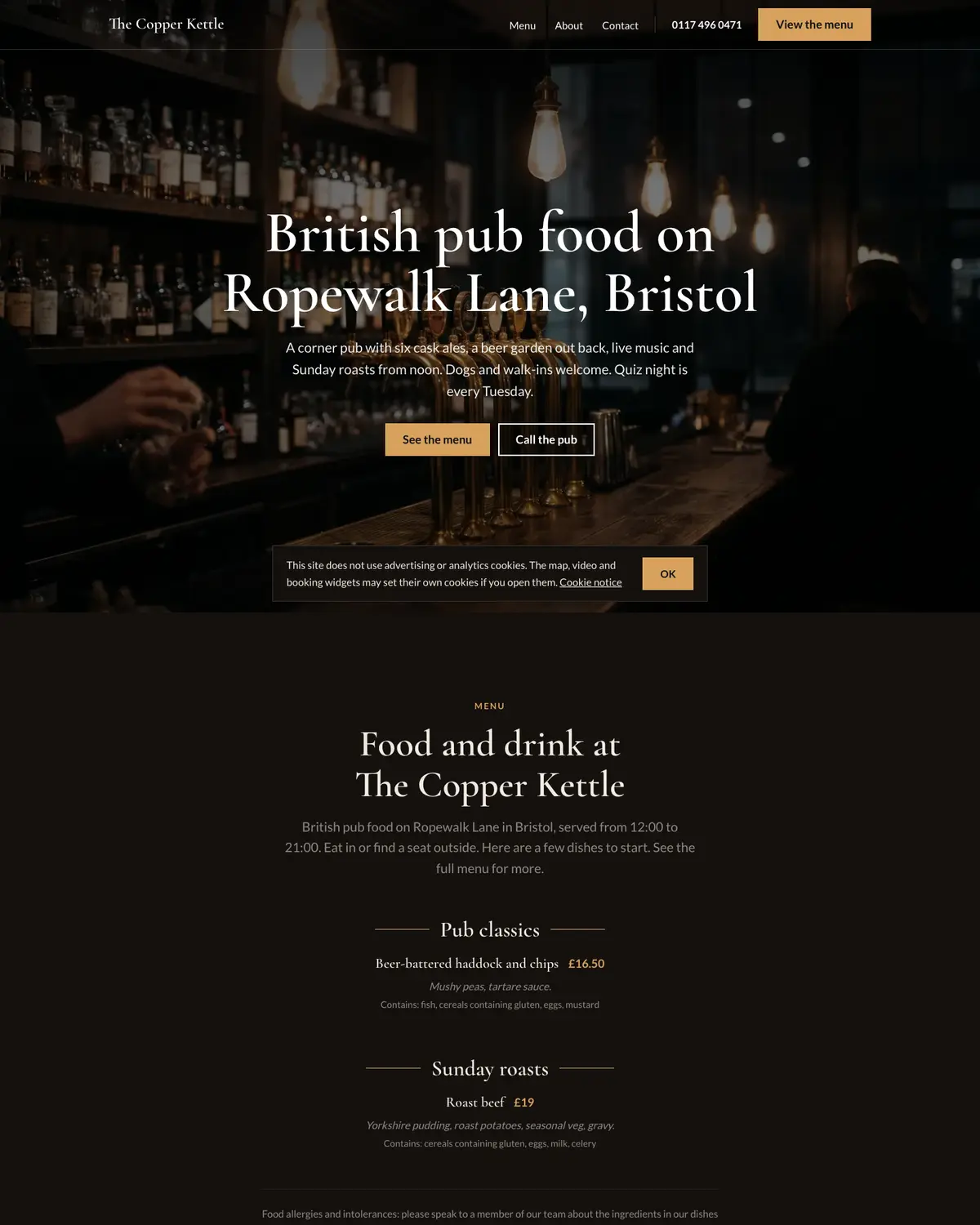
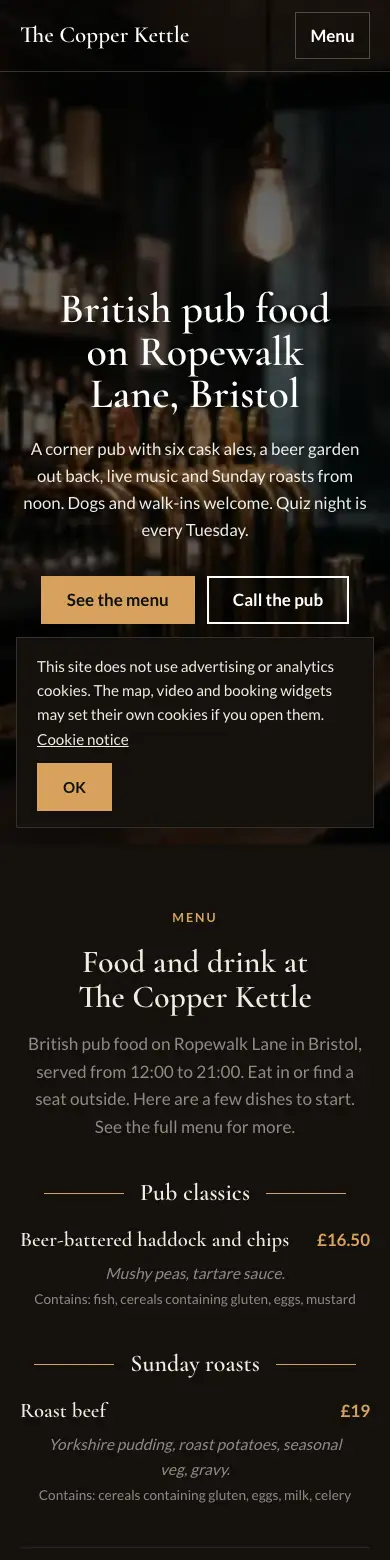
Style
- Look
- Classic: plain and trustworthy, clear structure
- Motion
- Subtle fades on scroll, switched off for visitors who prefer reduced motion
- Pages
- Home page on every plan; menu page; contact page on Business and Pro
Sections on the home page
A section appears only when you have the facts for it. Nothing is filled with placeholder text.
- First screen with your main promise
- Menu with prices, labels and allergensWhen you give your menu.
- About youWhen you tell us about yourself.
- ServicesOtherwise.
- Order online buttonsWhen you have ordering links.
- Why choose youWhen you give reasons customers choose you.
- About youWhen you tell us about yourself and when you give your menu.
- Photo galleryWhen you upload four or more photos.
- ReviewsWhen you paste real reviews.
- Opening hours and locationWhen you give an address or hours.
- Book online buttonWhen you have an online booking link.
- Table request formOn Pro.
- Contact formOtherwise.
Questions
Which businesses is Ember made for?
bar, Pub, wine-bar. Any restaurants and cafés business can use it, because the content is the same for every look.
What does Ember look like on a phone?
The layout is designed for phones first: buttons to call, book or ask for a quote stay within reach, and every page is checked for speed and accessibility on each build.
Can I start with Ember and switch later?
Yes. Switching to another look keeps all your texts, prices and photos, and takes seconds in your preview or site editor.
See your own business in it
Fill in one short form. Your preview is built from your own details in about a minute, it is free and needs no card.
Get my free preview